


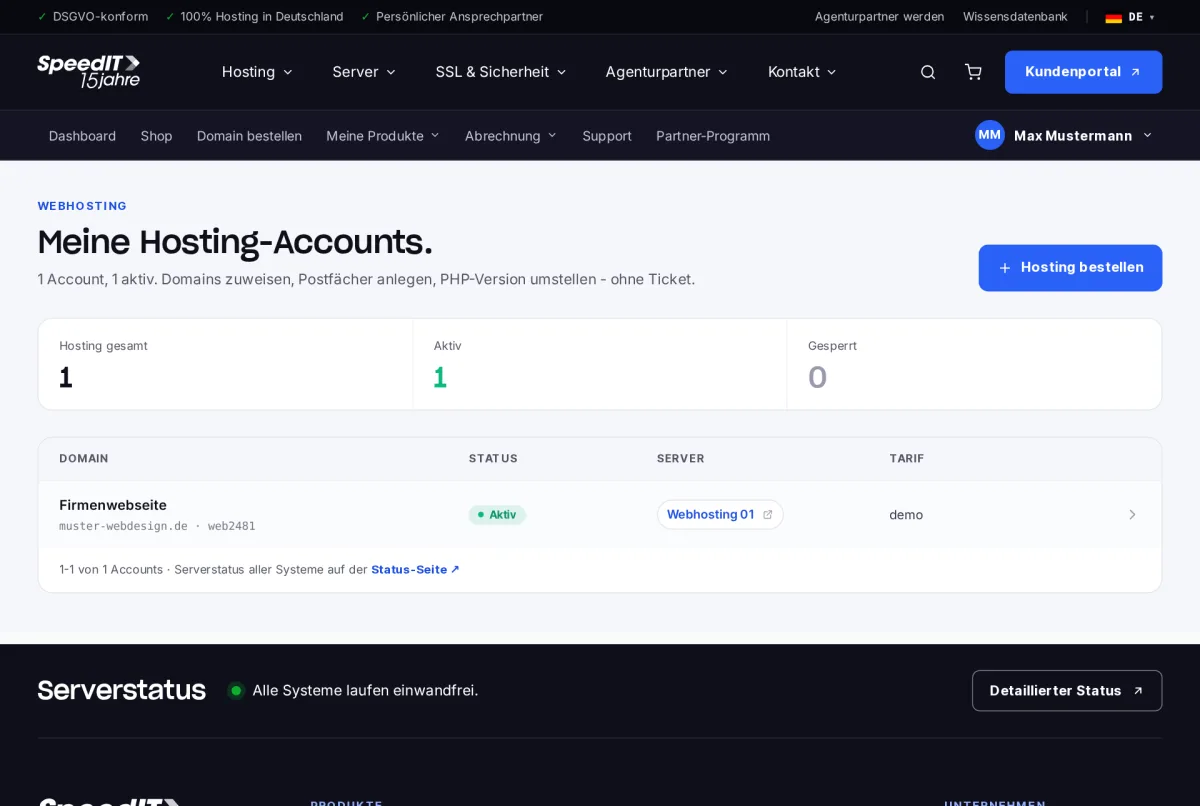
Under ‘My Products’ → ‘Web Hosting’, you can view all your hosting accounts, including the domain, status and server. Click to view the details.
Hosting details
At the top, you can see the username, server, creation date and contract, as well as the usage of storage space, email accounts, databases and subdomains. Using the ‘Set custom name’ option, you can assign a name such as ‘Company website’, which will appear in all overviews.
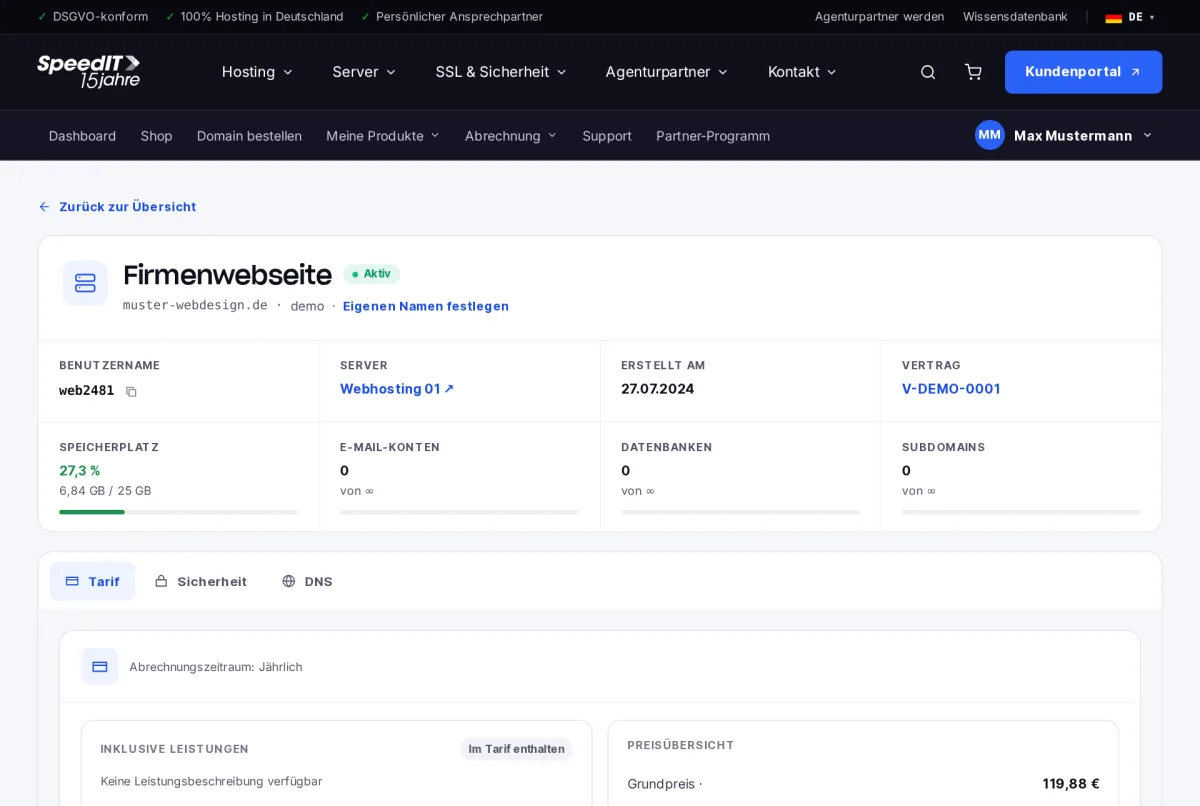
The tabs
- Packages - Services, price overview, included domain, package options and upgrades
- Security - Protection features for your hosting
- DNS - the DNS records for the linked domain
Upgrade your plan
Under ‘Plan Options’, you can add extra options to your plan; under ‘Plan Upgrade’, you can switch to a higher-tier plan. Your billing will be adjusted automatically.
Go to the hosting control panel
You can manage mailboxes, databases, FTP access and the PHP version in the hosting panel. You can access it directly from the hosting details without having to log in again.