


If your plan includes a domain, you will see it in the hosting details under the ‘Plan’ tab, listed as ‘Your included domain’. It is marked as ‘Included’ and is provided free of charge as part of your plan.
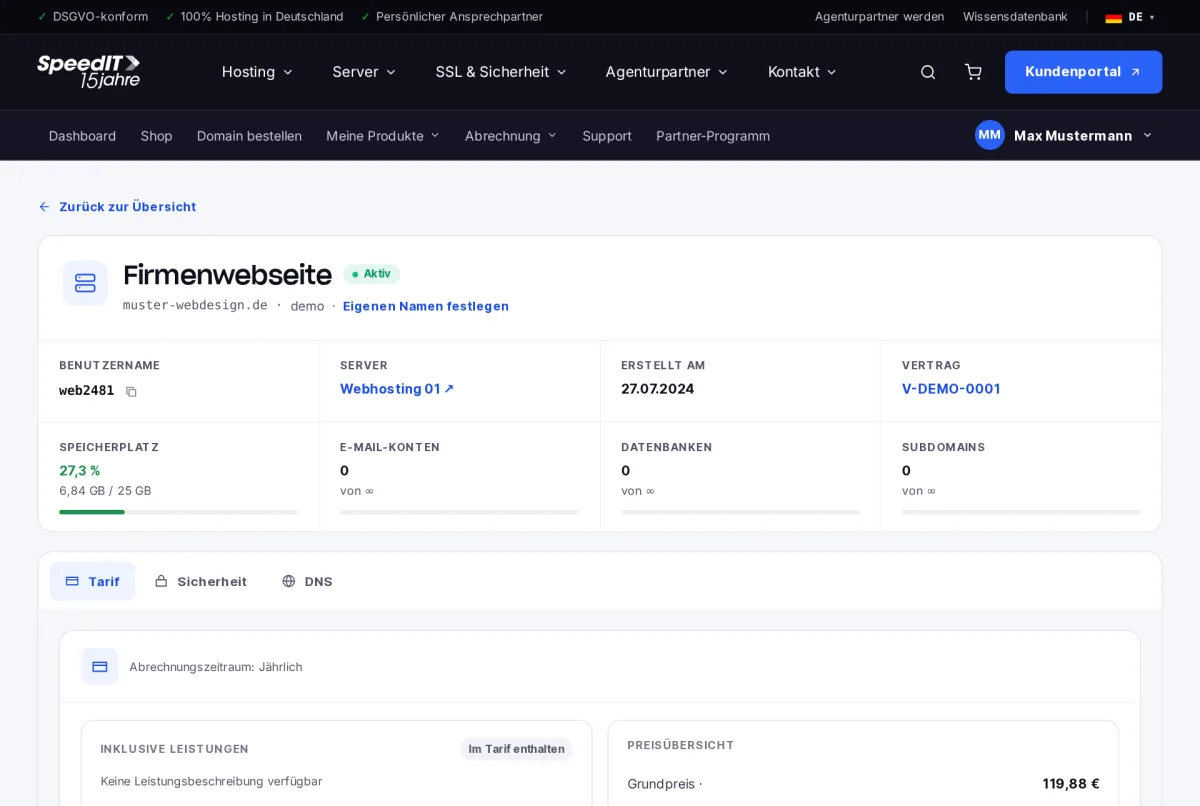
Redeem your included domain
If you haven’t yet chosen your included domain, redeem it in the hosting details: search for a domain, select your preferred domain from those available, and confirm. The domain will be registered at no extra cost and linked to your hosting.
Manage domain
Click ‘Manage domain’ to go to the domain details page, where you can edit DNS records, name servers and contact details. Find out more in the article ‘Managing domains’.
Additional domains
You can register or transfer additional domains via ‘Go to the Domain Shop’.
What happens when you give notice?
The included domain is linked to your web hosting. If you cancel your hosting, you can continue to use the domain under a separate contract.