


You do not need to share your login details if colleagues or your agency are carrying out tasks on your behalf. Under ‘Your name’ → ‘Account access’, you can invite other people to log in using their own accounts.
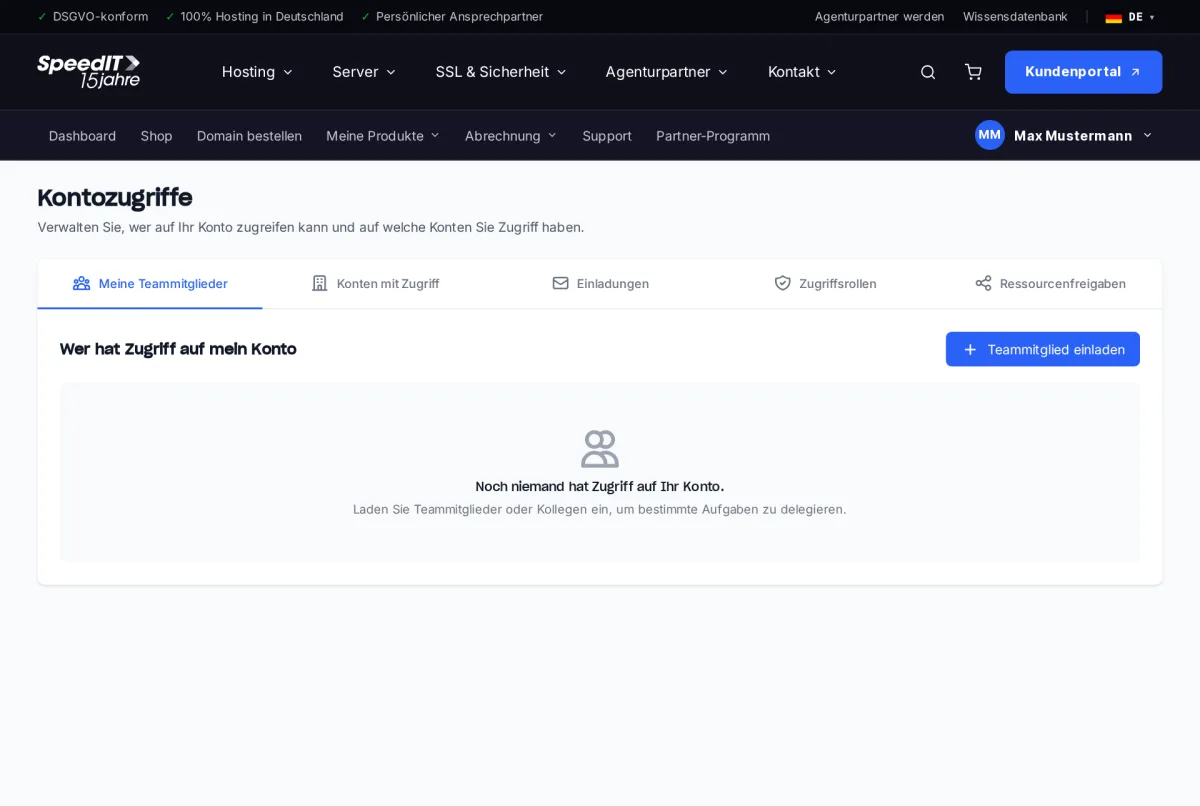
Invite a team member
- Open ‘Account Access’ and click on ‘Invite a team member’.
- Enter the person’s email address and select an access role.
- The person will receive an invitation by email and can accept it via their account.
An overview of the tabs
- My team members - who has access to your account
- Accounts with access - other customers’ accounts that you are authorised to access
- Invitations - pending and accepted invitations
- Access roles - what rights each role includes
- Resource sharing - share specific products with other customers
Switching between accounts
If you have access to multiple accounts, you can switch between them via the account menu in the top right-hand corner. The customer area clearly shows which account you are currently working in.
Revoke access at any time
If the collaboration ends, you can remove the team member with a single click. Their access will be revoked immediately.
Can a team member see my invoices?
That depends on the access role. Roles determine, for example, whether someone is only allowed to view technical areas or whether they can also view invoices and contracts.