


You can manage your personal details under Your Name → Contacts & Account. There you will find three tabs: Personal Details, Email Addresses and Language.
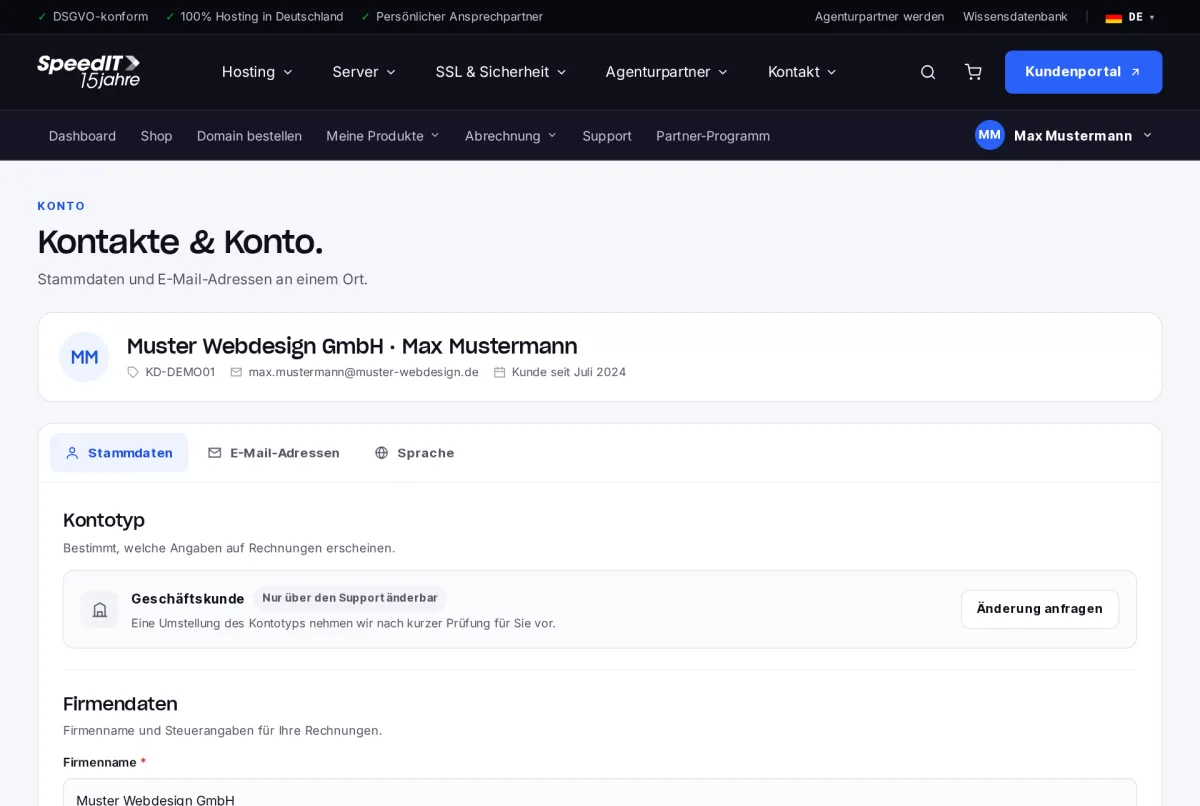
Edit master data
- Open ‘Contacts & Account’.
- In the ‘Master Data’ tab, update the company name, contact person, telephone number or address. Mandatory fields are marked with *.
- Save your changes.
The billing address will apply to all future invoices. Invoices that have already been created will remain unchanged.
Enter and verify VAT number
Business customers from the EU should enter their VAT number in the “VAT No.” field. By clicking “Validate VAT No.”, we check the number via the European Commission’s official VIES system.
Account type
The account type (private or business customer) determines which details appear on your invoices. We will make the change after a brief check - please use “Request change” for this.
Invoices to a separate address
In the ‘Email addresses’ tab, you can specify a separate address for invoices, for example your accounts department.