


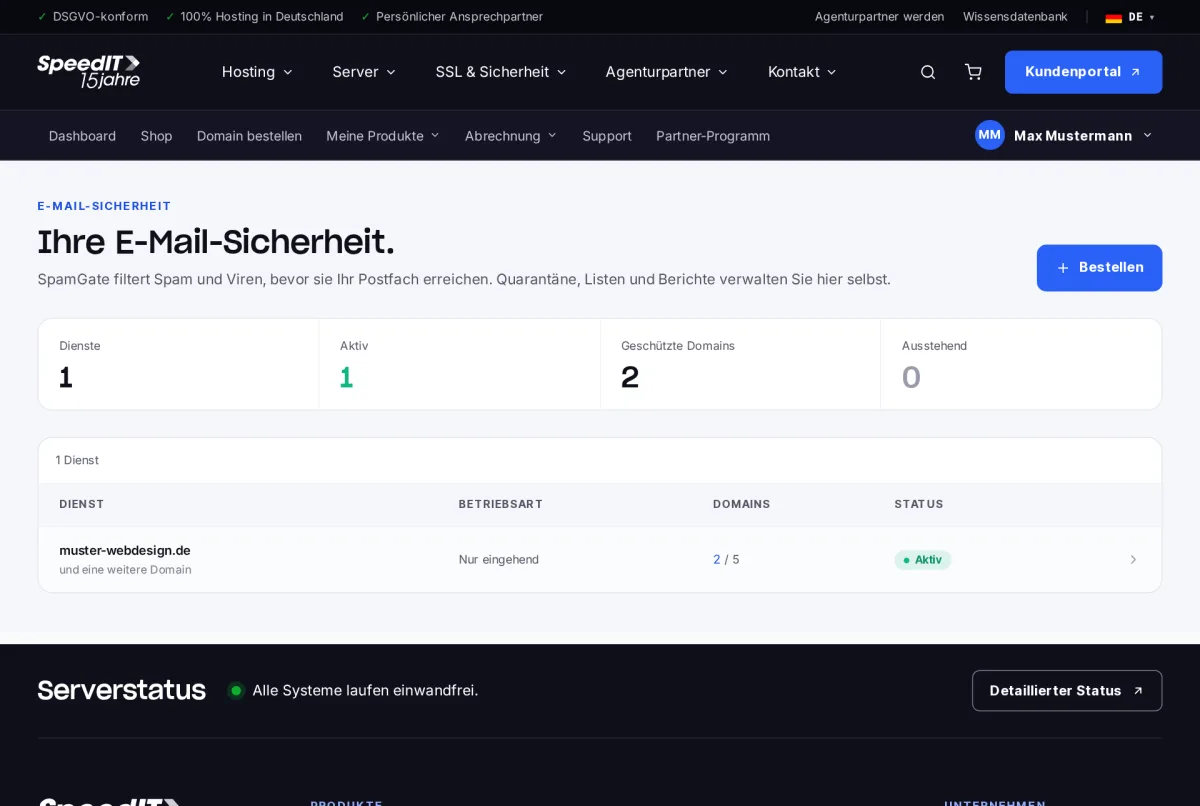
SpamGate scans all incoming emails before they reach your mail server. Spam and viruses are placed in quarantine, whilst legitimate emails are delivered. You can find your services under My Products → Email Security.
Set-up in three steps
- Change the MX record: Your domain’s MX record must point to our gateway. You can find the exact value under the ‘Setup’ tab.
- Specify the destination server: Enter your mail server to which filtered emails will be delivered - for example, your web hosting server.
- Add SPF: Include authorisation for our gateway in your SPF record.
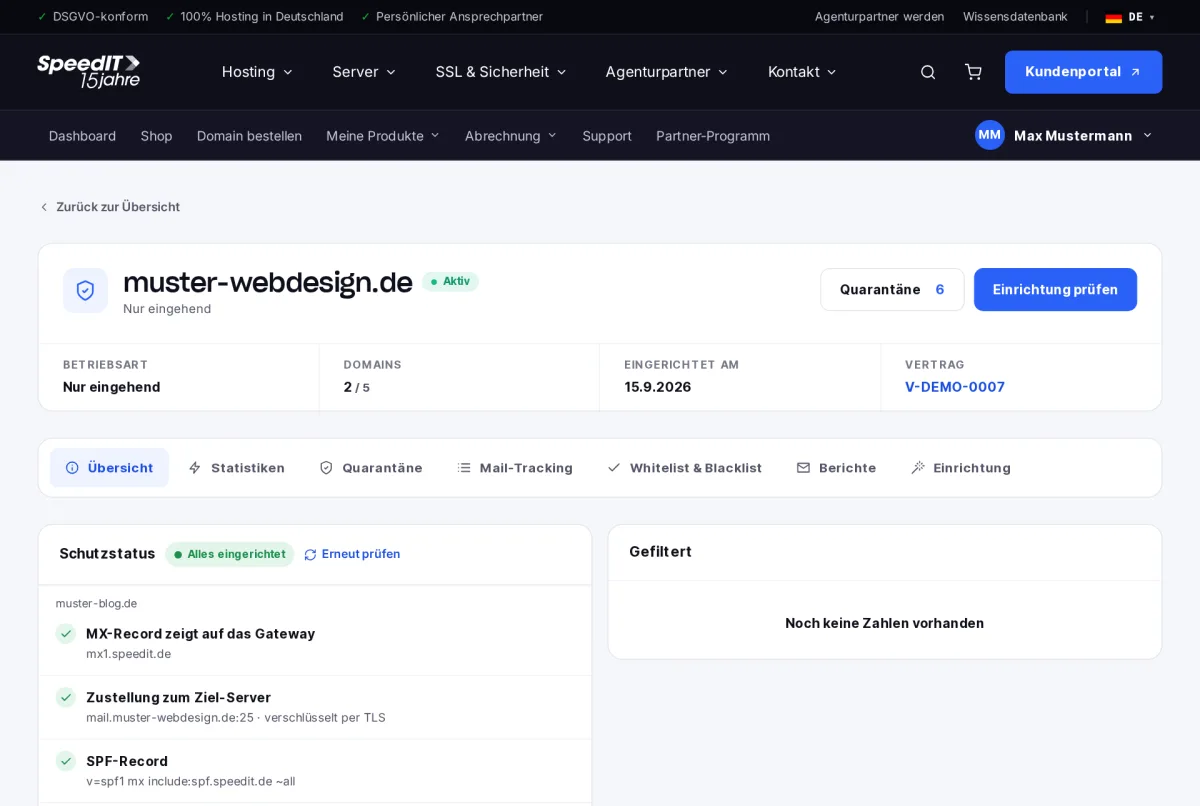
Protection status
In the overview, the protection status checks each domain: MX record, delivery to the destination server (including TLS encryption), SPF record and DKIM signature. If all items are green, it will say “Everything set up”. Click ‘Check again’ to update the results following a change.
DKIM only on the outgoing server
A DKIM signature is only required if you have also subscribed to the outgoing server. If you have opted for incoming-mail-only verification, SpamGate does not sign any emails.
Will any emails be lost during the migration?
No. As long as the old MX record is still known, emails will continue to be delivered directly. Once the changeover is complete, SpamGate will take over the filtering.
Can I protect further domains?
Yes, up to the limit specified in your plan. You can add new domains in the service details.