


In the ‘Whitelist & Blacklist’ tab, you can specify which senders’ messages are always delivered and which are always rejected.
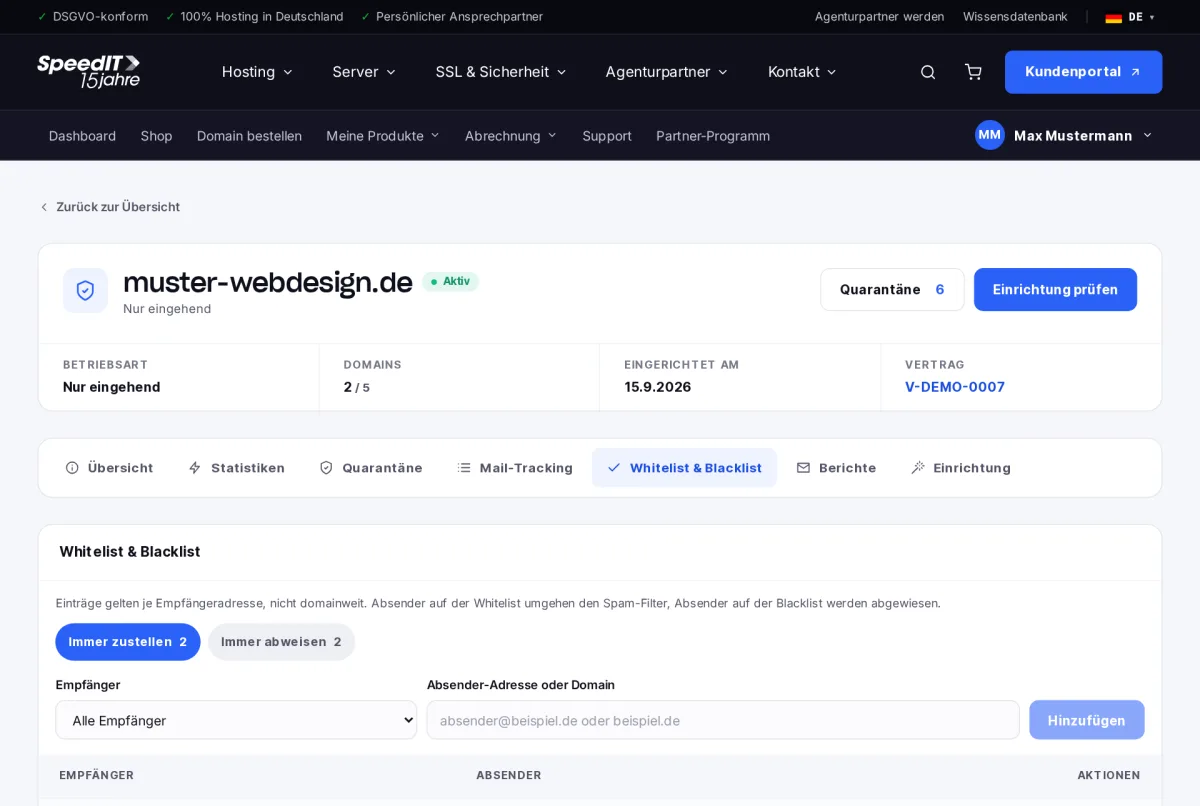
Add an entry
- Select ‘Always deliver’ or ‘Always reject’.
- Select the recipient - or ‘All recipients’.
- Enter the sender’s address or domain, for example
rechnung@lieferant.deor*@lieferant.defor all addresses within a domain. - Click ‘Add’.
Entries apply per recipient address, not across the entire domain. If you select ‘All recipients’, one entry applies to each of your addresses.
Use the whitelist sparingly
Senders on the whitelist bypass the spam filter entirely. Only add senders you trust - fraudsters often forge well-known sender addresses.
How do I register an entire domain?
Use an asterisk before the @, for example *@supplier.de. The entry will then apply to all addresses on that domain.