


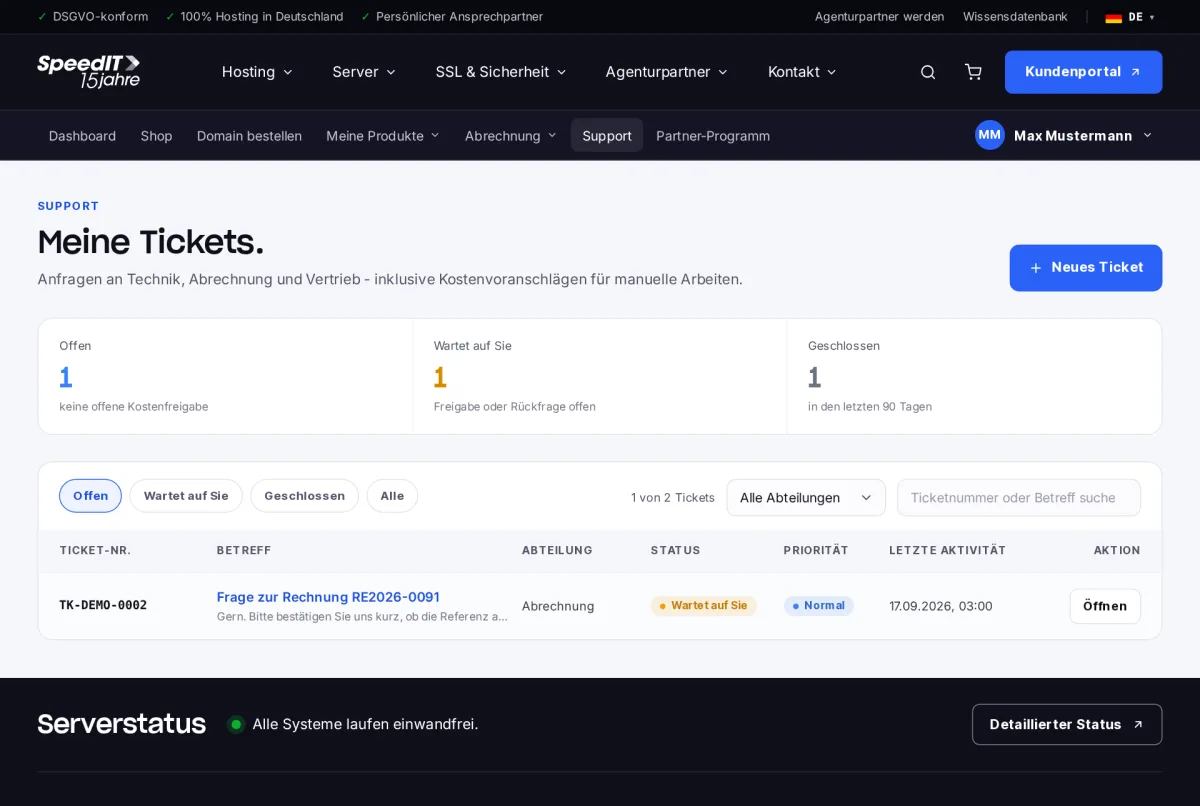
Please submit enquiries regarding technical support, billing or sales via Support → Tickets by selecting ‘New Ticket’. In the overview, you can also see which tickets are still open and which are awaiting your reply.
How to create a ticket
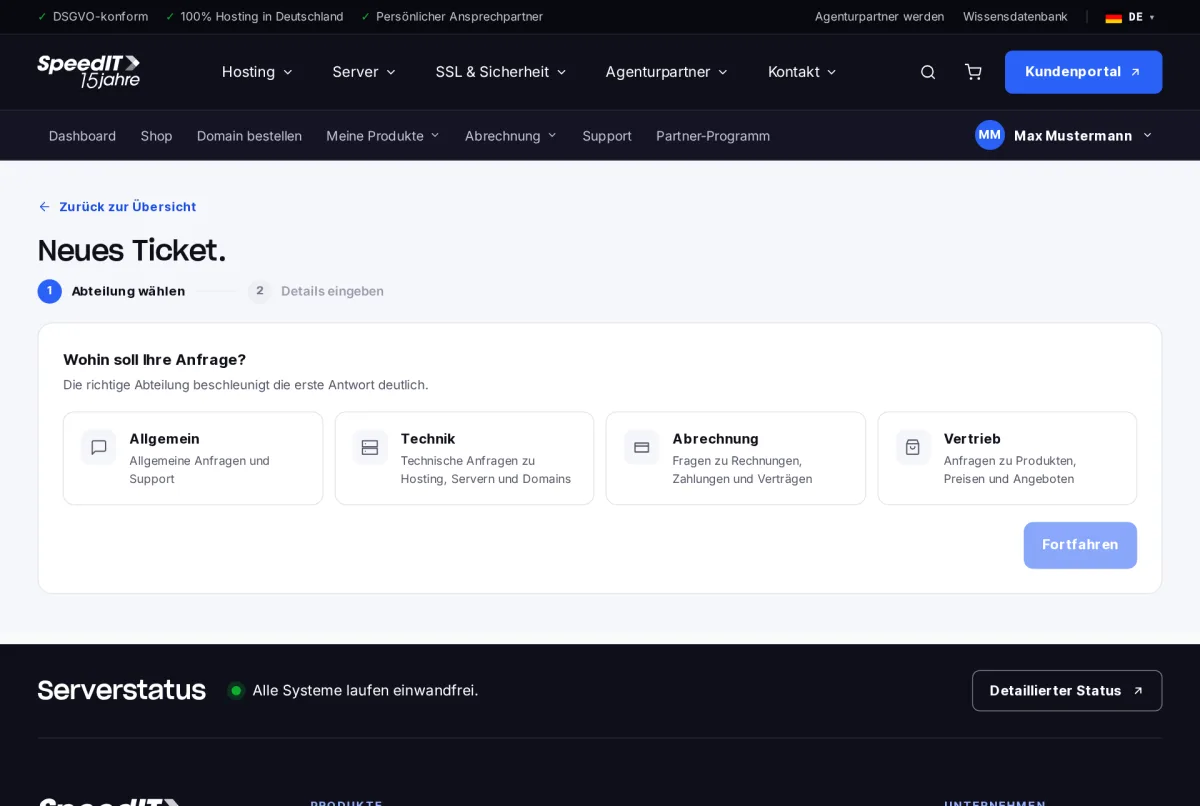
- Select a department: General, Technical, Billing or Sales. Choosing the correct department will significantly speed up the initial response.
- Enter the details: Subject, Description and - if the issue relates to a product - the product in question.
- Attach screenshots or files if necessary.
- Submit the ticket. You will receive a confirmation by email.
Find a solution faster
Please state the domain or product in question, describe what you expected to happen and what actually happened instead, and attach screenshots of any error messages.
Does the support service cost anything?
Enquiries regarding your products are covered by our support service. For manual work outside the scope of our service, you will receive a quote in advance, which you must approve within the ticket.
How do I send login details securely?
Please use the ‘Submit sensitive data’ function in the ticket. This information will be stored in encrypted form and deleted once it has been processed.