


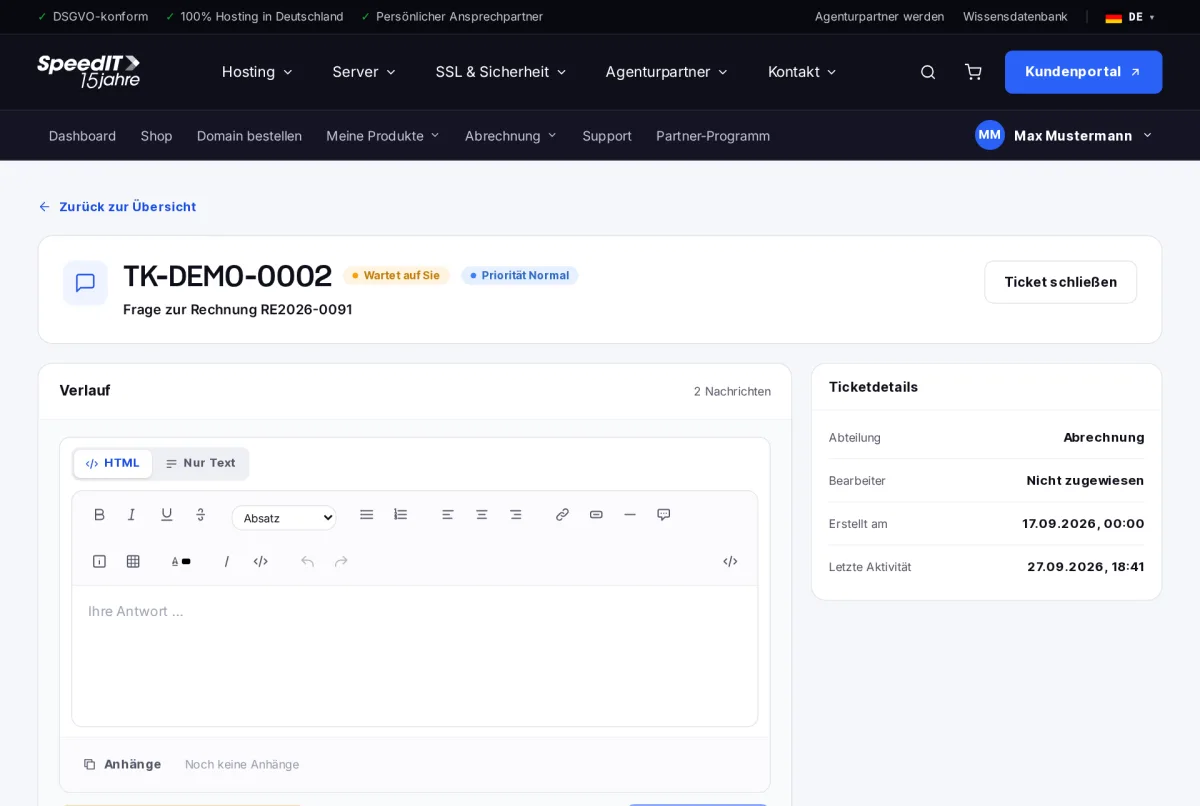
Open a ticket in the ticket overview. On the left, you will see the history with all messages; on the right, the ticket details such as department, assignee and last activity.
Replies
- Type your reply into the text box - with formatting or as plain text.
- Add attachments if required.
- Click on ‘Send reply’.
You can also reply to tickets by email - simply reply to the notification. Your reply will automatically appear in the history.
Ticket status
- Open - we are processing your enquiry
- Awaiting your response - we need feedback or approval from you
- Closed - the issue has been resolved
Closing a ticket
If your enquiry has been resolved, close the ticket by selecting ‘Close ticket’. A new reply will reopen it if necessary.
How quickly does customer support reply?
We respond to tickets in order of urgency, usually within a few hours on working days.