


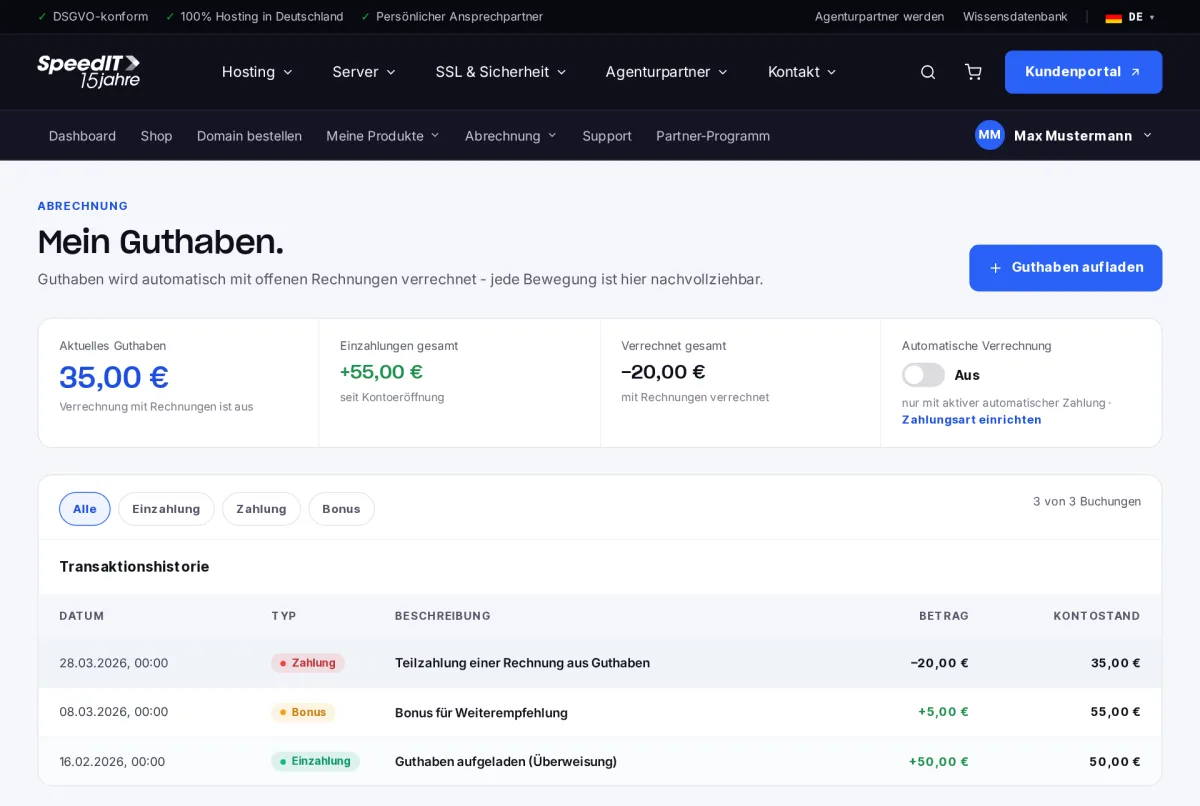
Under ‘Billing’ → ‘Credit balance’, you can view your current credit balance, all deposits and offsets, as well as your full transaction history.
Top up your credit
- Click on ‘Top up credit’.
- Select the amount and payment method.
- Once payment has been received, the credit will be added to your account.
Use credit
Credit can be used directly when paying a bill. It will be applied automatically if you have enabled automatic payment and ‘Apply credit first’ under ‘Payment method & mandates’.
Transaction history
Each transaction is listed with the date, type (deposit, payment, bonus), description, amount and new account balance. Use the tabs to filter by transaction type.
Do credit balances expire?
No, your credit balance will remain and will be offset against future bills.
How do I get bonus credit?
We credit bonus balances, for example, for referrals or as part of promotional campaigns. This appears as a separate entry in the transaction history.