


Name servers determine where your domain’s DNS records are managed. With our standard name servers, you can conveniently manage all records in the customer portal. If you use an external DNS provider, please enter their name servers.
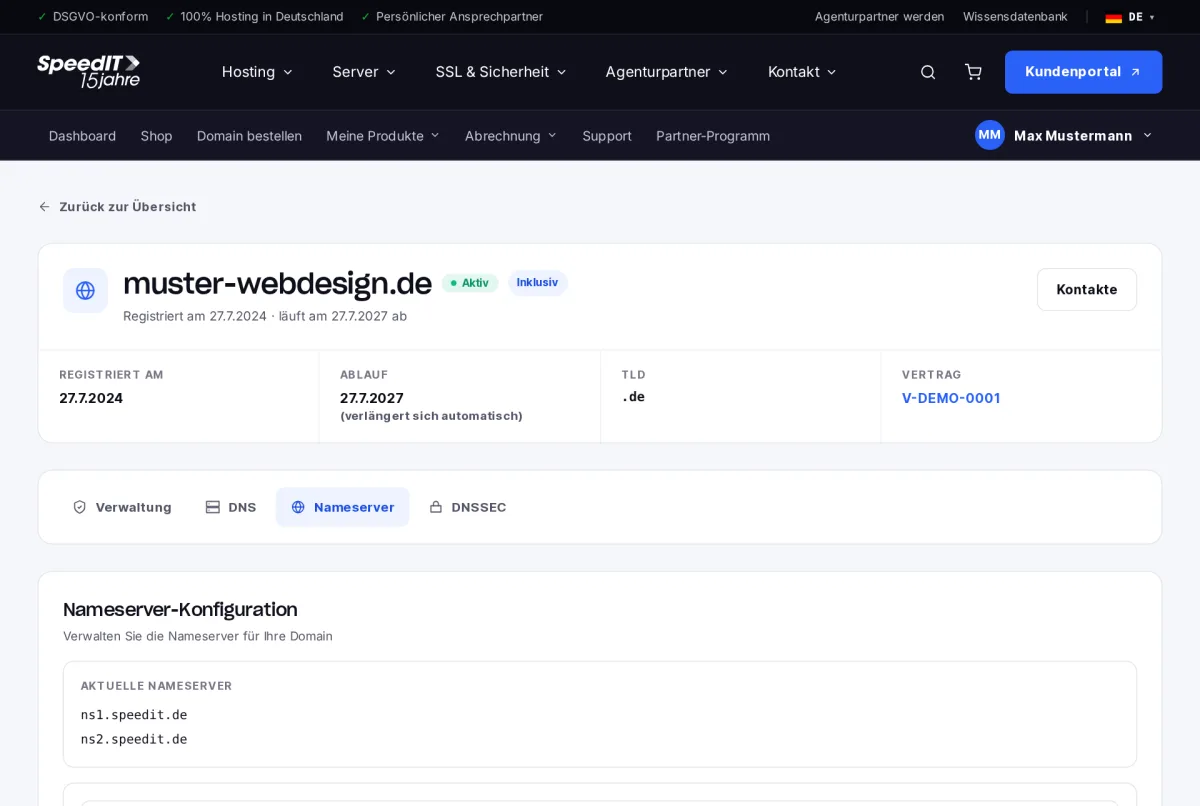
Enter your own nameservers
- Open the domain and go to the Name Servers tab.
- Select ‘Use custom nameservers’.
- Enter at least two nameservers and add more by clicking ‘Add nameserver’.
- Click ‘Save nameservers’.
Back to our nameservers
Select ‘Use default nameservers’ and save. DNS management in the customer portal will then be available again.
Change history
Every change to the nameservers is recorded in the change history.
Import entries before the change
When switching to a new DNS provider, set up all the records first before changing the nameservers - otherwise, your website and email will be temporarily unavailable. Use the zone export function to do this.
How long does it take to change a nameserver?
The registry usually processes the change within a few minutes. It is generally visible worldwide after a few hours, or within 24 to 48 hours at the latest.