


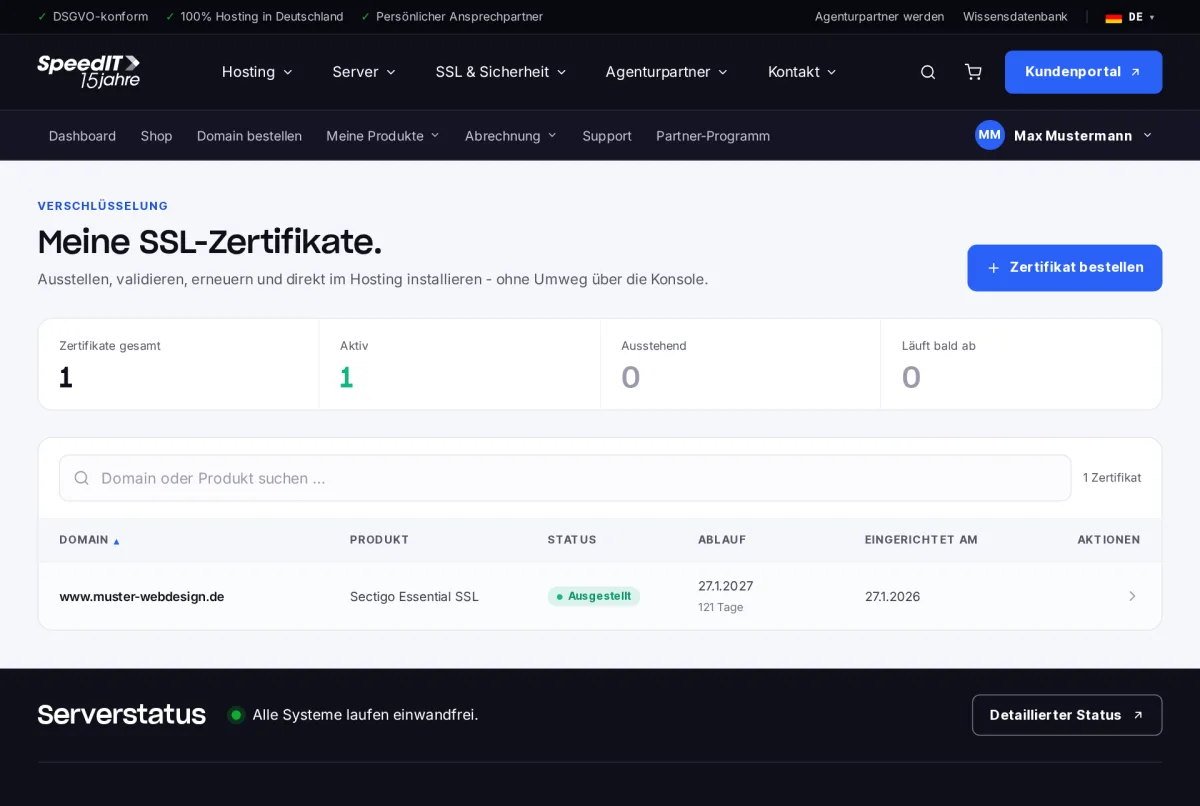
Under ‘My Products’ → ‘SSL Certificates’, you can view all certificates, including their product details, status and expiry date. Certificates that are due to expire soon are highlighted separately.
Certificate details
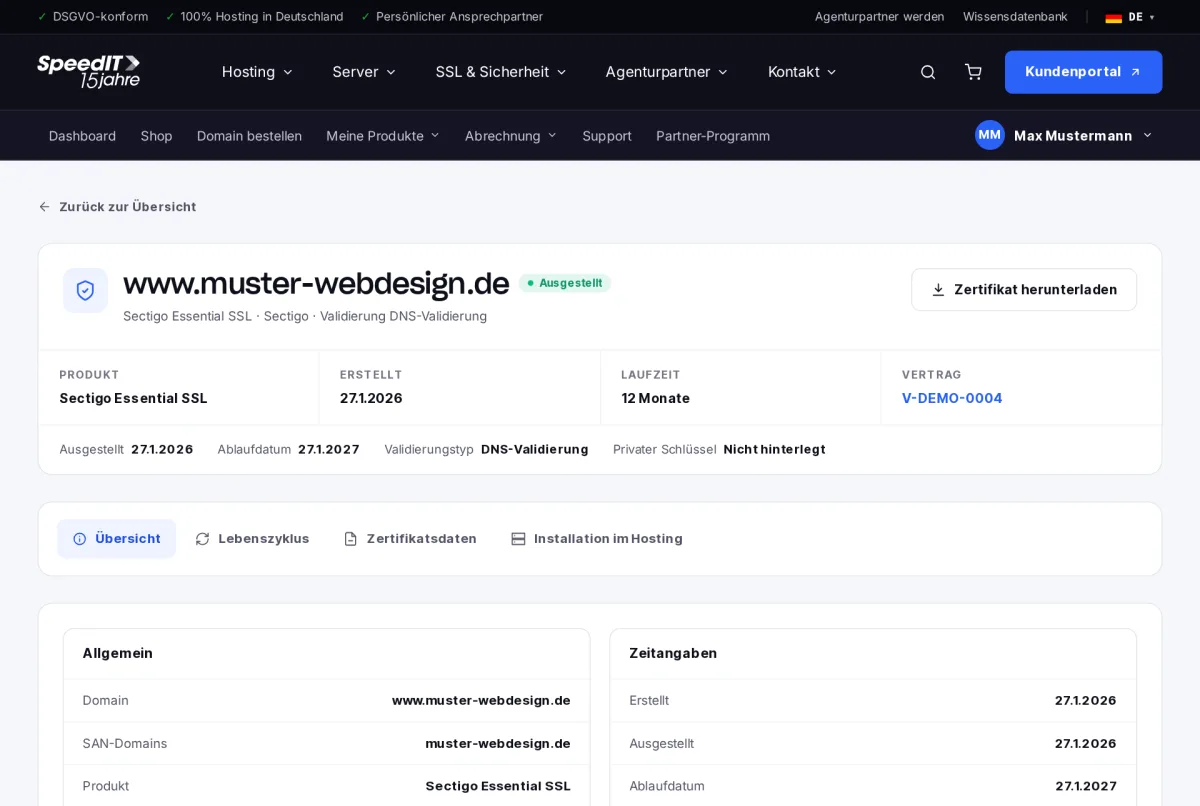
In the details, you can see the product, validation type, validity period, issue and expiry dates, as well as all secured domains (SAN domains). The tabs:
- Overview - all key details
- Lifecycle - order, validation, issuance and renewal
- Certificate data - certificate and intermediate certificates
- Hosting installation - set up the certificate in your web hosting with a single click
Order a certificate
When you select ‘Order certificate’, you choose a certificate from our shop. Once you have placed your order, the customer portal will guide you through the set-up process: enter your domain, select a validation method (for example, via a DNS record) and complete the validation.
Download certificate
For your own servers, use the ‘Download certificate’ option to download the certificate and install it yourself.
Renew automatically
If automatic renewal is enabled, we will remind you in good time before the certificate expires and renew it - ensuring that your website remains encrypted without interruption.