


A CDN delivers images, scripts and other files from your website via servers located close to your visitors - this significantly speeds up loading times. You can find your CDN zones under My Products → CDN.
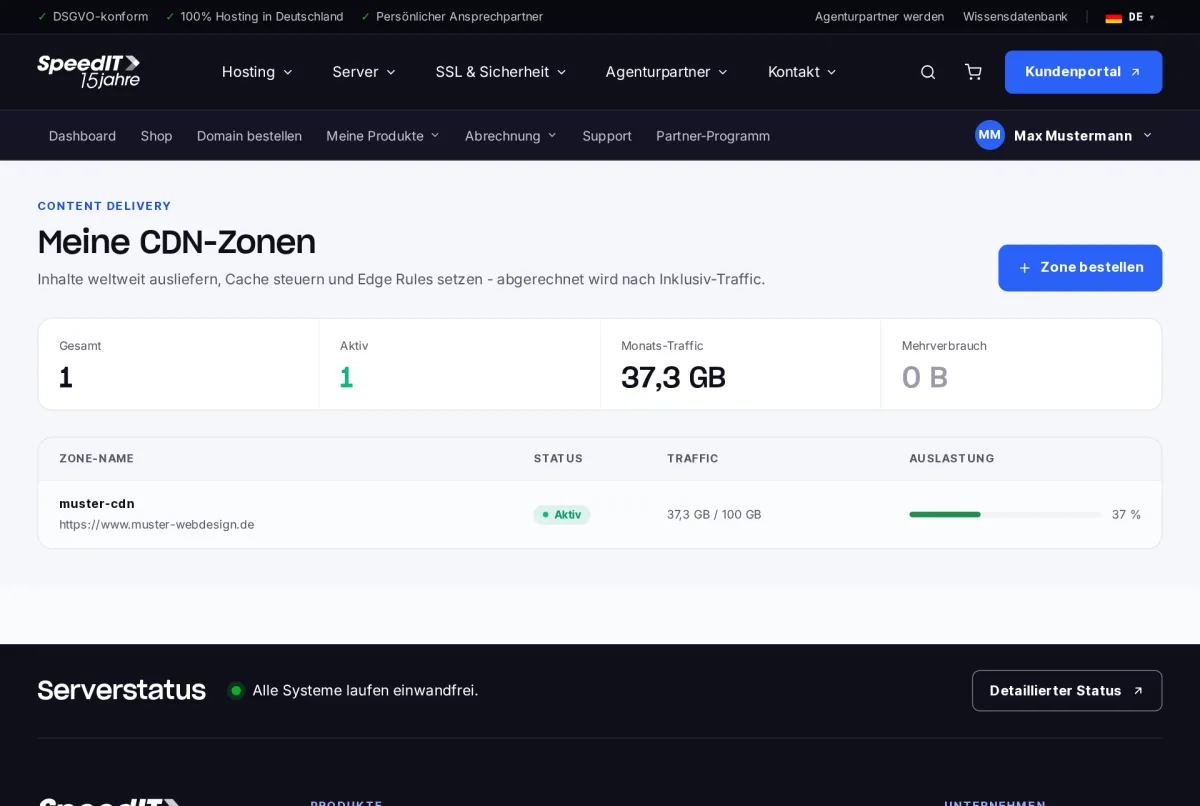
Zone details
Above, you can see the origin URL (your website), the CDN URL, the included traffic and the current usage for the billing period.
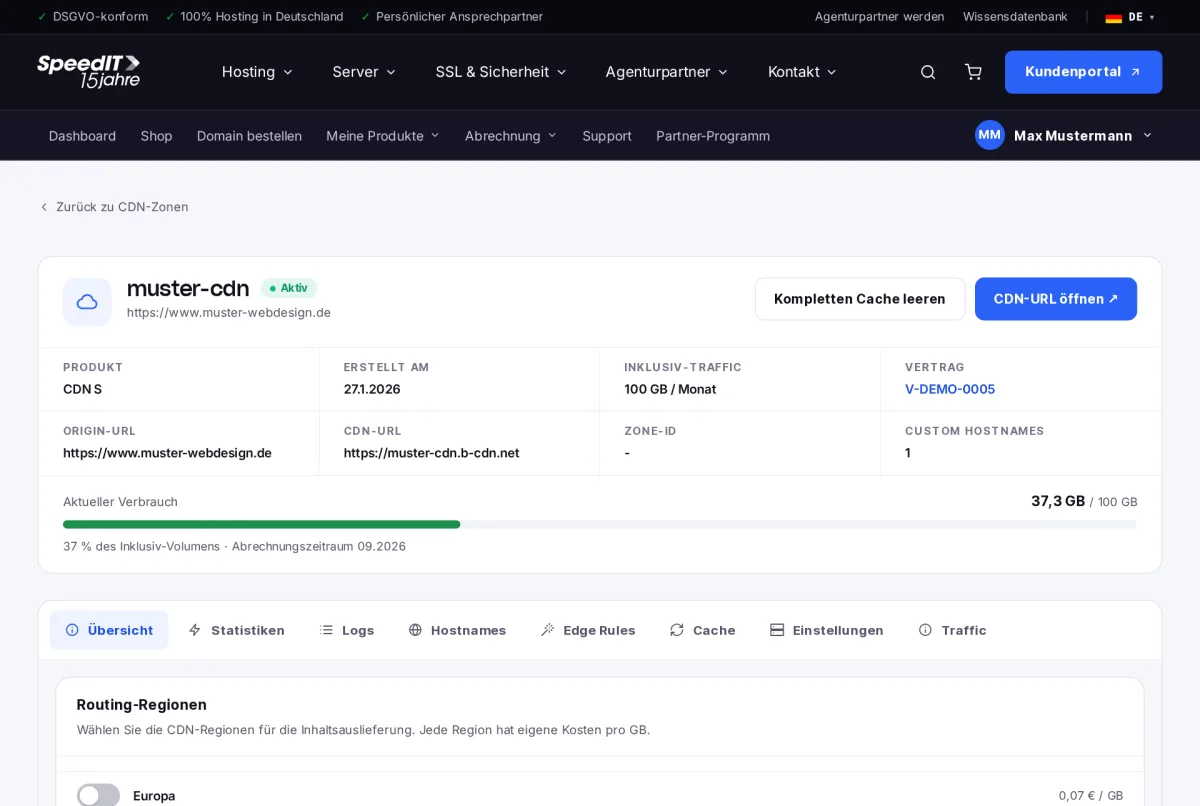
The tabs
- Overview - Routing regions and traffic alerts
- Statistics and Logs - Accesses and Deliveries
- Hostnames - your own addresses such as cdn.your-domain.de
- Edge Rules - Rules for redirection, headers and caching
- Cache - Cache individual files or clear the cache completely
- Settings and Traffic - Configuration and monthly usage
Routing regions
Select the regions in which the CDN delivers content. Each region has its own cost per gigabyte - the prices are listed directly for each region.
Traffic Alerts
Specify the percentage of your included traffic at which you wish to be notified by email, for example at 80 and 100 per cent.
Clear the cache after changes
If you have replaced any images or stylesheets on your website, use the ‘Clear entire cache’ option to clear the CDN cache - the CDN will then serve the new files immediately.