


What is DKIM and how does it work?
The DKIM (DomainKeys Identified Mail) process is a method of authenticating emails. This method adds a special signature to the email being sent, which is assigned exclusively to the domain. This method is designed to reduce the volume of spam and make it more difficult to spoof the sender.
When an email is sent, the DKIM signature is added to the email header, which is present in every email and is verified by the recipient’s server. The receiving server then validates the DKIM signature using the public key published in the domain’s DNS record. This two-factor verification significantly enhances security and increases the recipient server’s trust in the sender.
Enable DKIM spam protection for outgoing emails
Our hosting service supports the DKIM process for both incoming and outgoing emails. No complicated configuration is required, as you can carry out all the necessary steps directly in the Web Control Panel (KeyHelp) and your DNS management interface.
Enable the DKIM process in KeyHelp
- Log in to the Web Server Control Panel (KeyHelp)
- Go to ‘Domains’ in the menu
- Then, in the list of domains, hover over the grey ‘i’ icon (to the left of the domain name)
- Click “Show” next to the DKIM DNS entry
As usual, here is an illustrated guide showing all the steps:
-
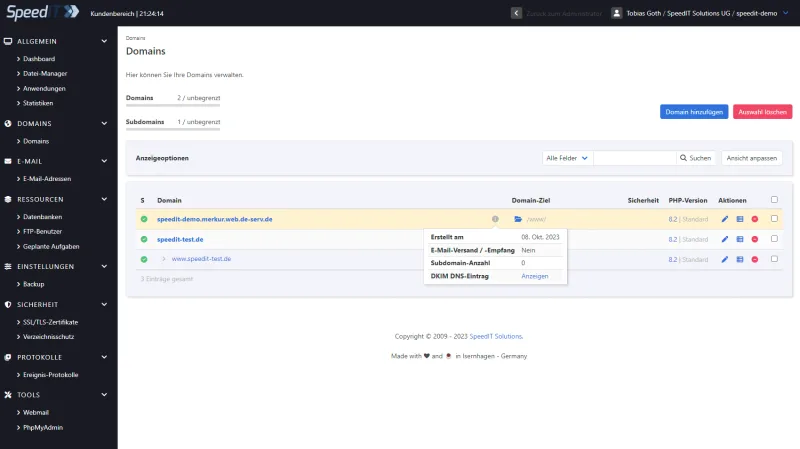
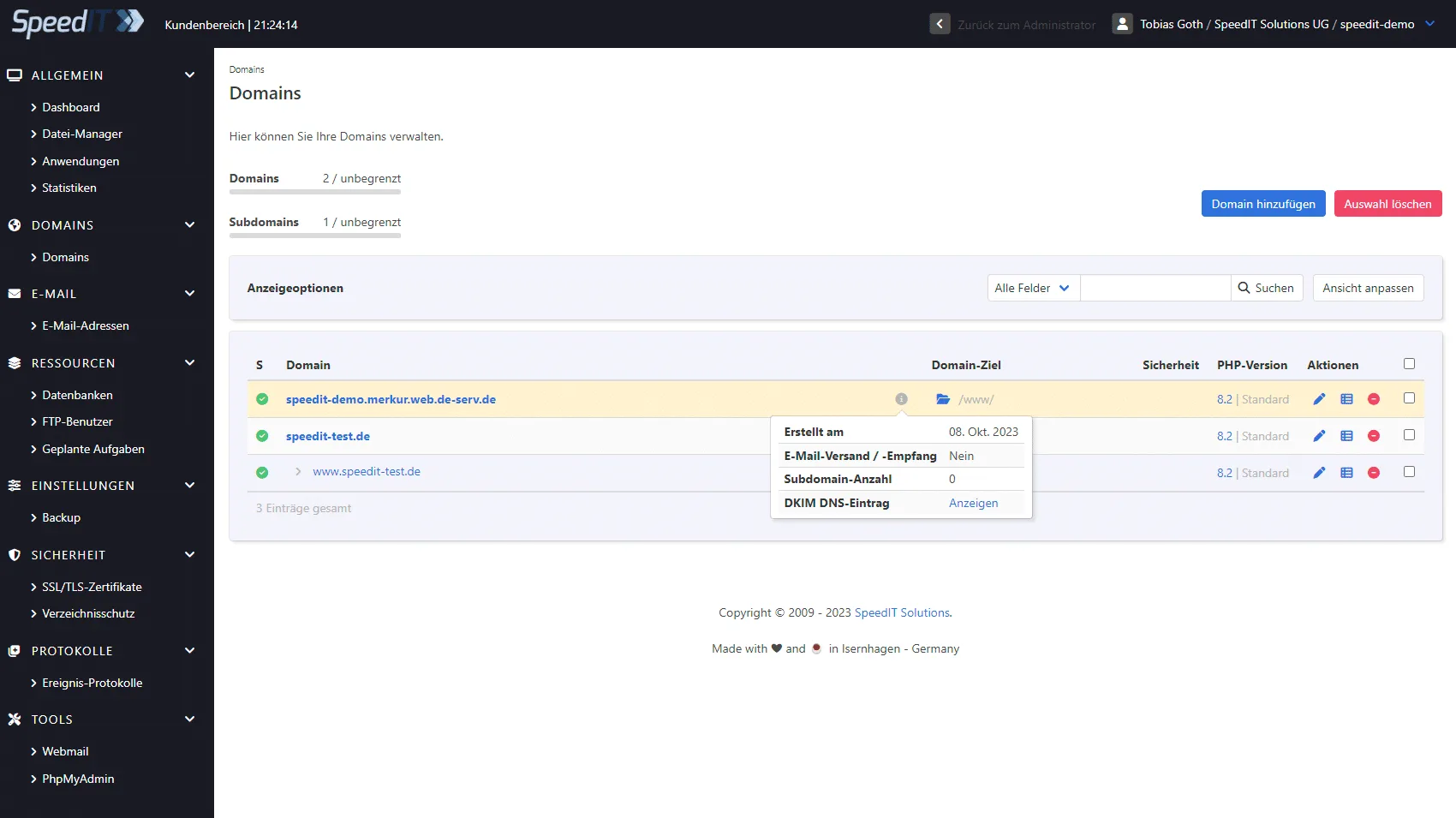
KeyHelp - View DKIM records -
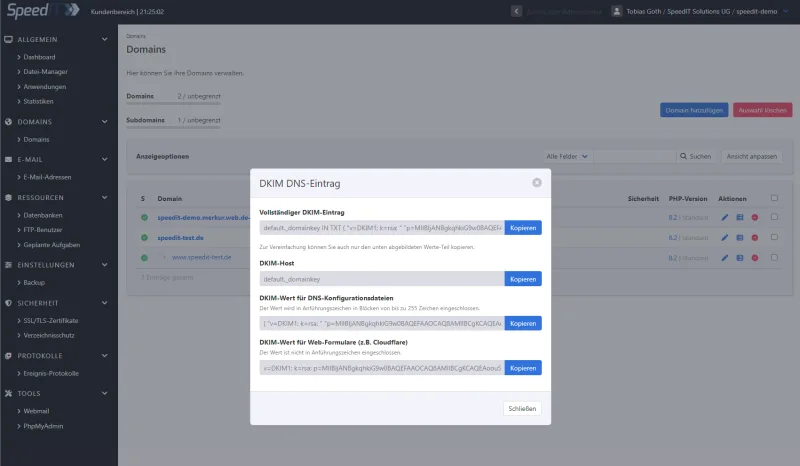
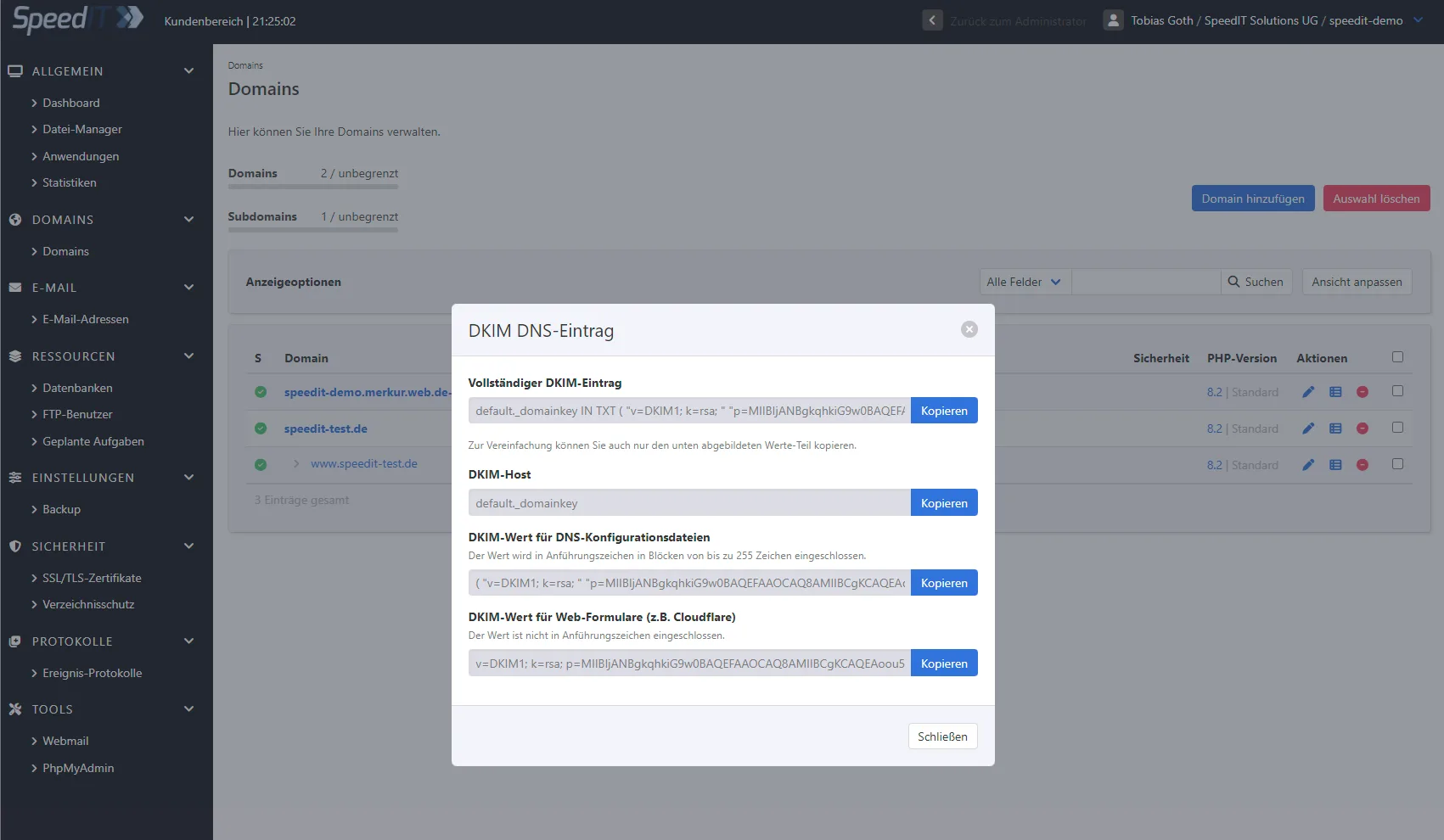
KeyHelp - DKIM Details
Manage DNS records
To set up the relevant records for your domain via DNS, you will need to log in to your DNS management system or domain provider.
If you have registered the domain(s) directly through us, you can manage the DNS records directly via the customer management portal: Manage DNS records