Email phishing is one of the most common methods used by criminals to try to obtain personal data from internet users. More and more people are using the internet to communicate and share data, which makes it increasingly attractive for hackers to spy on or defraud these users. In this blog post, we will explore the topic of email phishing and the risks associated with it, and explain how to protect yourself against it.
What is email phishing?
Email phishing is a method whereby hackers attempt to obtain confidential data from internet users by tricking them into clicking on a link in an email or sending them fake login details. These are usually fake emails that appear to come from a trustworthy source, such as a bank or an online shop. In the early days of this method, these emails were characterised by poor design and spelling, but unfortunately the criminals are getting better and better at this.
The fraudsters try to gain the recipients’ trust by telling them that their account has been blocked or that they need to discuss an urgent matter. They then urge recipients to click on a link in the email to visit a fake website where they are asked to enter their personal details.
Risks of email phishing
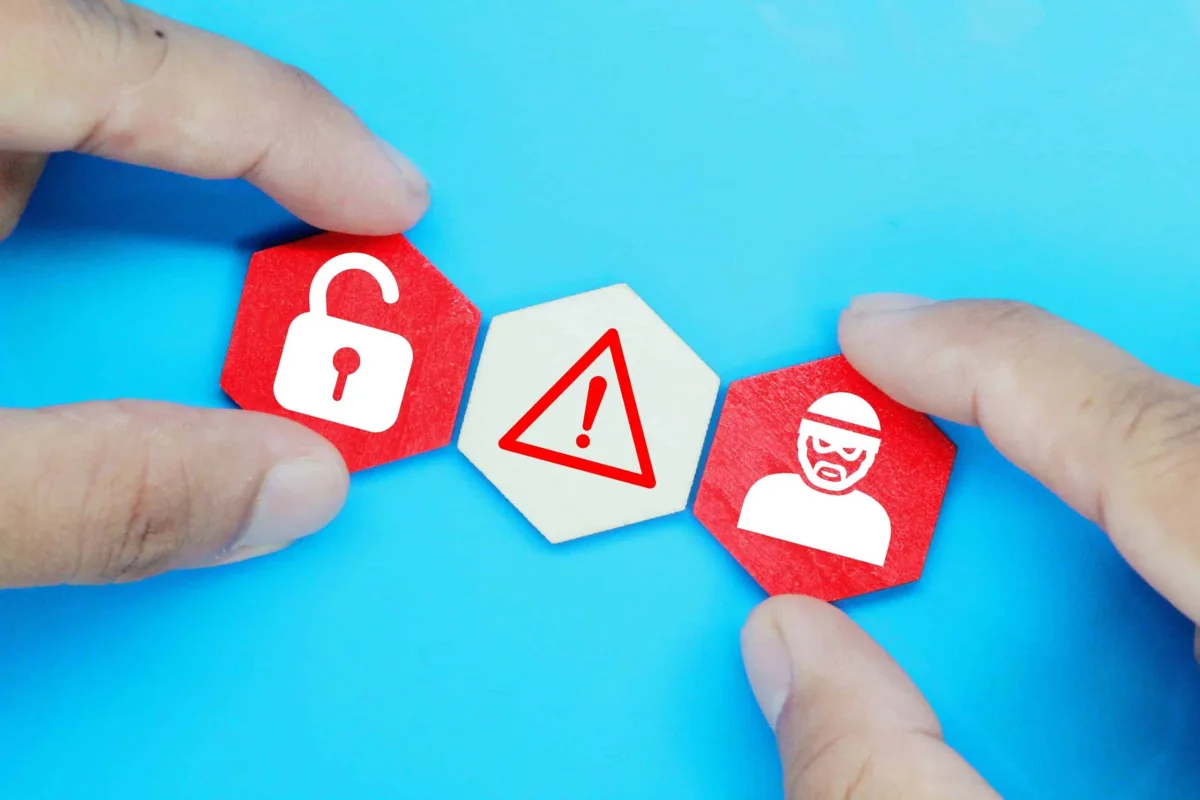
Email phishing poses a number of risks to victims. Here are some of the most common:
- Loss of personal data: If you click on a link in a fake email and enter your personal details, these may be passed on to hackers, who can then use them for their own purposes.
- Financial losses: If you are directed to a fake website where you are asked to enter your bank details, hackers may be able to empty your account.
- Reputational damage: If your personal data is stolen, this can lead to identity theft and your data being misused to cause harm to third parties.
Precautions against email phishing
Fortunately, there are a number of precautions you can take to protect yourself against email phishing. Here are a few tips:
- Be wary of emails you receive from unknown senders. Do not click on links or open attachments in emails from people you do not expect to hear from.
- Verify the authenticity of emails you receive from known senders by checking their email address and other details.
- Be particularly wary of emails that ask you to enter your personal details or reset your password. Reputable companies will never ask you to disclose your personal details via email.
- Use reliable antivirus software and keep it up to date.
- Use strong passwords and, ideally, a different password for each service - password managers can help with this. Also use two-factor authentication where available.
- Be careful if you land on fake websites. You should always check the website’s URL before entering your personal details. Fake websites often have a different URL to the original website.
- Find out about the latest phishing methods and learn how to recognise them. Good sources for this include the BSI (bsi.bund.de)
Conclusion
Email phishing is a common method used by hackers to try to obtain personal data from internet users. It is important to be aware of the risks of phishing and to take protective measures to safeguard yourself against phishing attacks. By recognising fake emails and taking security precautions such as using a good spam filter, strong passwords and antivirus software, you can protect your personal data and your property.